
-
Automatically Organize Tasks
As you create and tag issues they can be categorized behind the scenes automatically.
-
Make Better Use Of Your Email
Stay in your happy place. Create and reply to tickets directly from your inbox.
-
Consolidate Your Projects
You can see the status of all your projects in a simple overview and follow along with feeds.
-
Unify With Customer Support
Your staff can create new Lighthouse tickets directly from Tender, our customer support service.
-
Set And Meet Goals
Use milestones to help you plan features and establish release dates.
-
Share Documents & Images
Attach documents or images directly to tickets so anyone on your team can find them.
Beautifully Simple Issue Tracking
Collaborate effortlessly on projects. Whether you’re a team of 5 or studio of 50, Lighthouse will help you keep track of your project development with ease.
Less Fuss, More Function
Cut the fat out of your workflow and stay focused on what’s important.
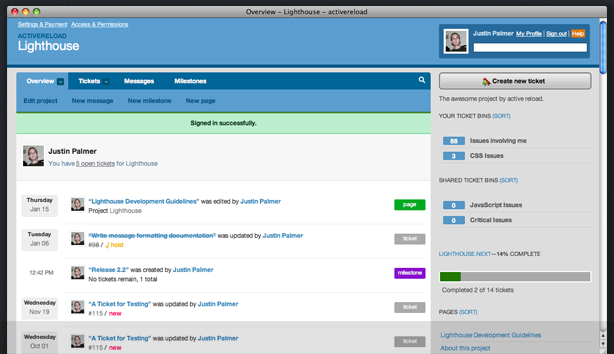
Lighthouse will simplify your workflow so you can do the job you were hired to do. Try it for free. No credit card required.
Try Lighthouse For Free